
How to shop
1. Selecting goods
You can select goods either through categories or by searching. After clicking on the desired product, you determine the number of pieces, or select a variant, and add it to the cart by clicking the "Add to cart" button.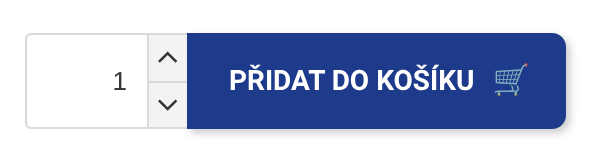
2. Shopping Cart
To view the cart, click on "Shopping Cart". You can access the cart on any page of the e-shop by clicking on the cart icon in the upper right corner. You can adjust the number of items in the cart using the arrows, or delete items by clicking on the cross icon. To continue, press "Continue".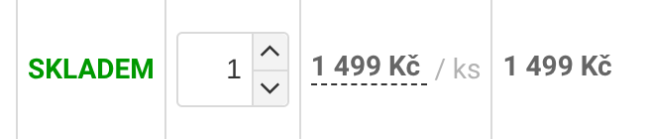
3. Shipping and payment method
In the next step, you will choose your preferred shipping and payment method. Once selected, click "Continue".
4. Personal data
Fill in all the necessary personal data that are necessary for the correct delivery of the order. Before submitting your order, please remember to fill in all required fields marked *.
5. Submit your order
Submit your order by clicking on the "Submit with payment obligation" button. After submitting your order, we will send you a confirmation by e-mail.